
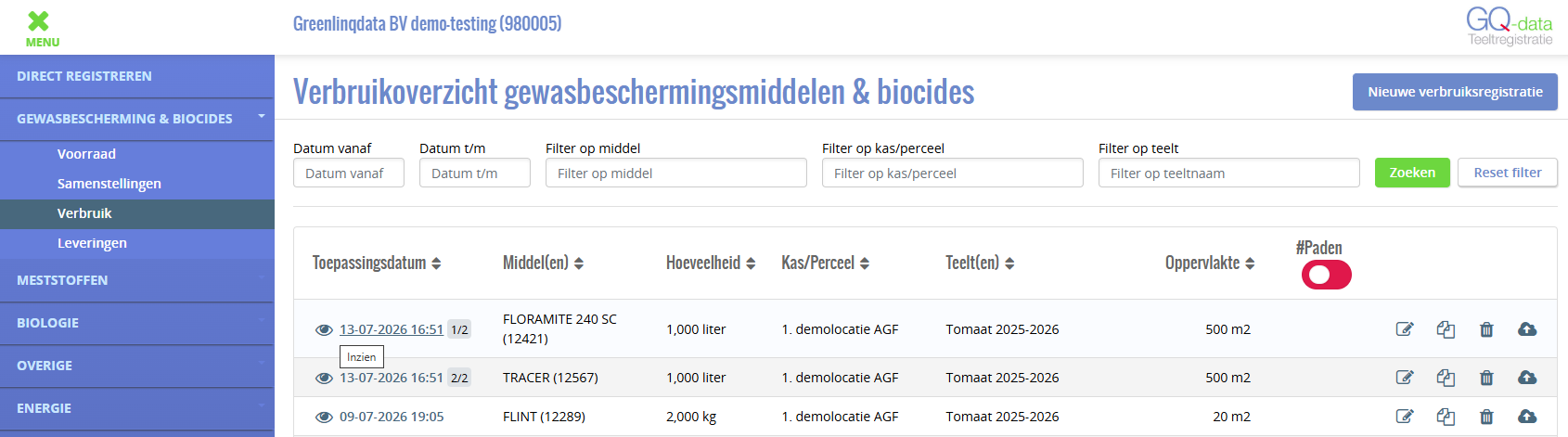
On 26 October 2026 we rolled out an update to GQ-data. The usage overview is faster, the stock level is visible per transaction and things run more smoothly. Below you can read what is changing.
1. Usage overview opens faster
Where: Crop Protection & Biocides › Usage overview
The crop protection products usage overview now loads noticeably faster, especially when there are many registrations.
Functionally, nothing else changes for the user: the overview looks the same, the results are simply shown faster and you also return to the overview screen more quickly after a registration.
2. New: stock level visible after every transaction
Where: Stock report and Stock › Stock detail data per product
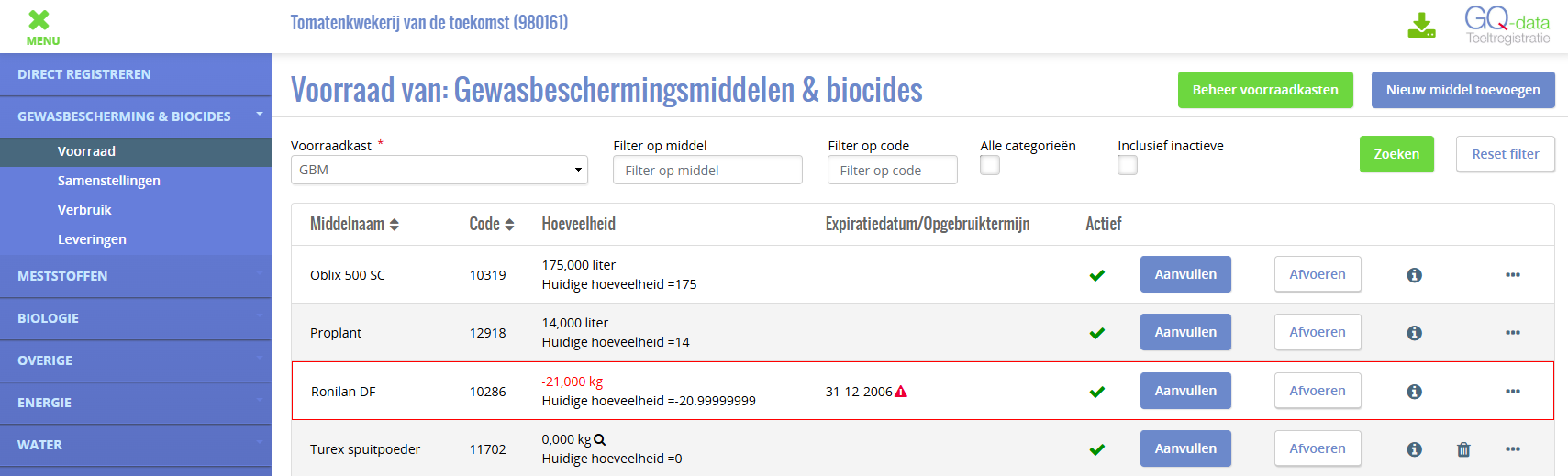
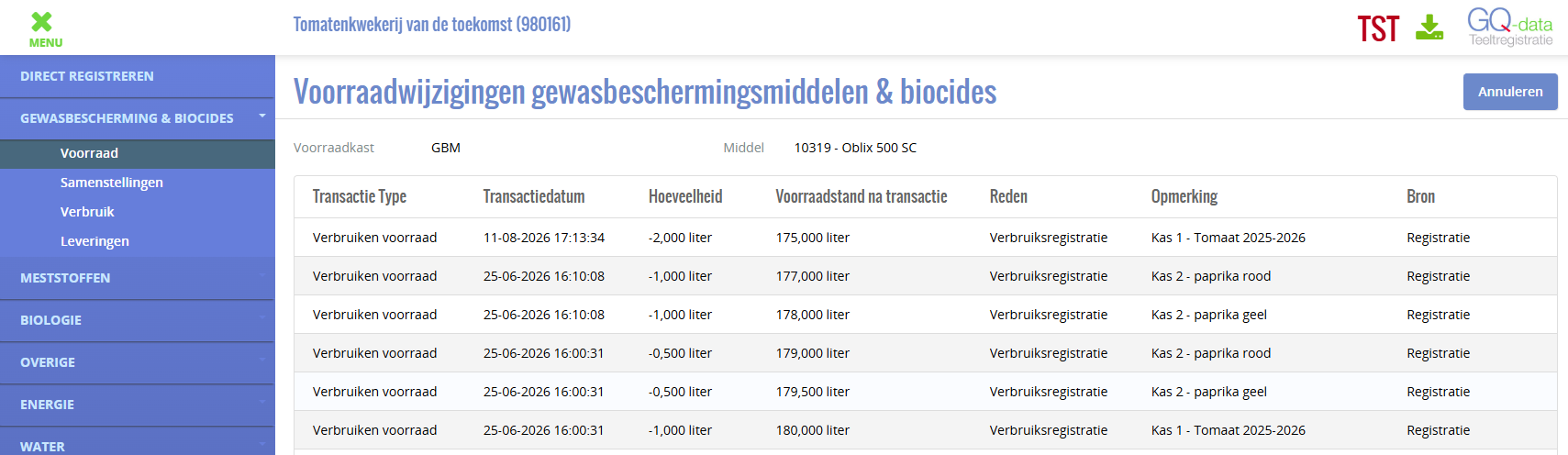
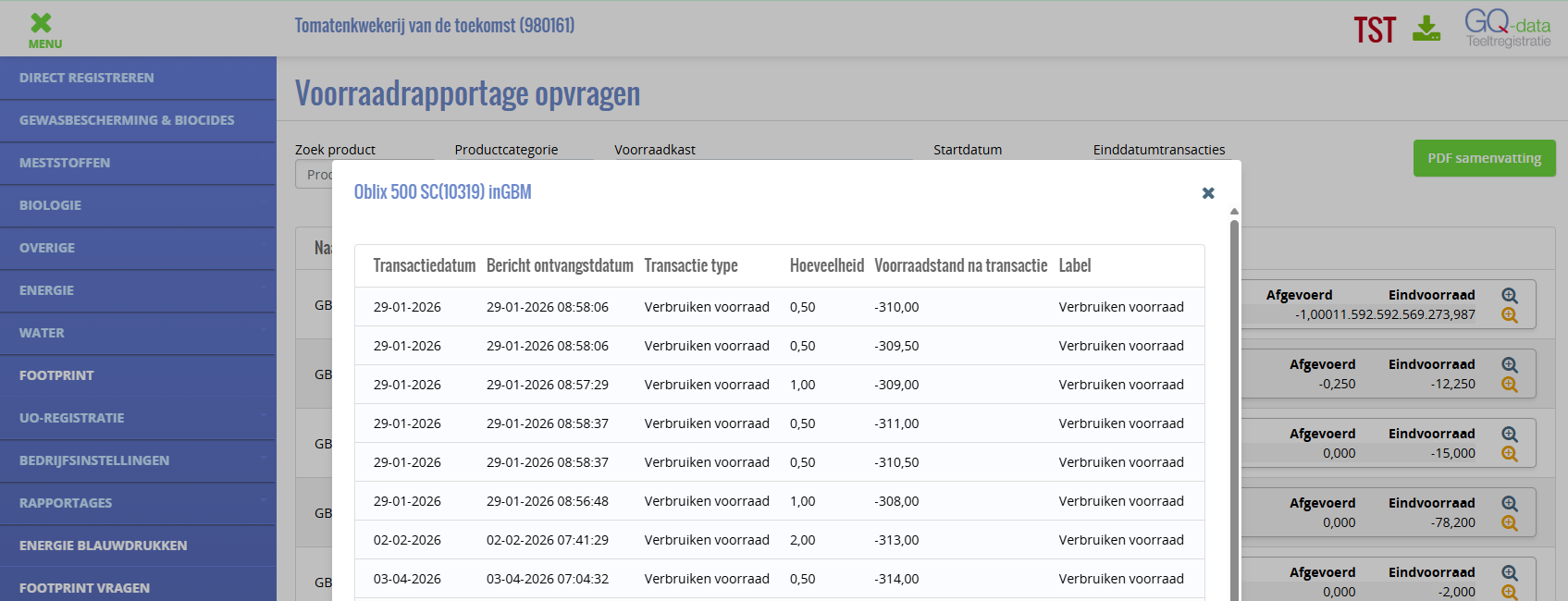
The overview of stock changes now has a new column: Stock level after transaction. For each line you can see how much stock was left after that replenishment or usage. This lets you follow the trend at a glance, without having to add things up yourself.
You can find the column via Stock cabinet → Product (then click on the “…”), for crop protection products, fertilisers, biologicals and other products.
- The level is built up from your opening stock, in the order in which the transactions were made. The overview still shows the most recent line at the top.
- The level on the top line equals your current stock.
- Do you delete a purchase? Then all levels are recalculated automatically.
- The level is shown in the same unit and with the same number of decimals as the quantity (kg, L or pieces).
3. No more path selection for disinfection, weeds and pests
Where: Usage registration for Crop Protection, Fertilisers, Biologicals and Other products.
Are you registering usage (crop protection, biologicals or other) for one of the diseases and pests below? Then you no longer need to select a path to complete the registration. For these applications a path is often not relevant, yet until now you still had to choose one.
| Type of application | Disease / pest in GQ-data |
|---|---|
| Disinfection | Chem. ontsmettings substr, Ontsmetting algemeen, Ontsmetting kas |
| Weeds and moss | Onkruid bestrijding kas, Onkruid bestr. buiten verhard, Onkruid bestr. buiten onverhard, Mos (buiten) |
| Pests | Muizen, Ratten en muizen, Ongedierte bestrijding |
| Cleaning | Reinigen druppelsysteem, Reinigen algemeen |
For all other diseases and pests, selecting at least one path remains mandatory.
Good to know — this is a temporary solution. In the meantime, GreenlinQdata is working on a structural solution for recording these kinds of registrations outside the crop, making things even clearer.
4. Smoother registration in Preparation and Execution
Where: Usage registration for Crop Protection, Fertilisers, Biologicals and Other products.
Registering usage now works more smoothly, so you can enter data faster and it stays accurate, also afterwards. Do you enter a negative area on the Preparation tab? Then you immediately see a message, rather than only on the next tab. Do you change the area and immediately click [Next]? It is now always correctly compared with the selected paths. If you go back to Preparation via the tabs, the area you entered yourself is kept.
Navigation has also improved. Do you press Enter in a date or time field on the Execution tab? You no longer jump back unexpectedly to the Decision tab. And if you ‘view’ a registration from a past crop cycle via the eye icon in the usage overview, you can once again see which paths you had ticked at the time.
Questions or feedback?
Questions about these changes or ideas for improvements can be sent to info@greenlinqdata.nl. This input helps GreenlinQdata to further develop GQ-data Crop Registration together with the sector.
GreenlinQdata — sector infrastructure for registration, footprint and sustainability data in greenhouse horticulture.