
On November 10, 2026, we implemented an update in GQ-data. The login screen has been refreshed, reports are now processed via a queue, and the usage overview is functioning correctly again. No action is required on your part. Read on to learn about the changes.
1. A new login screen
Where: The GQ-data login page (accessible via computer, tablet, or smartphone). The login screen now features a fresh, sector-focused design. Next to the login form, you will find a panel displaying the latest updates and announcements from GreenlinQdata. The login process itself remains exactly as you are used to.
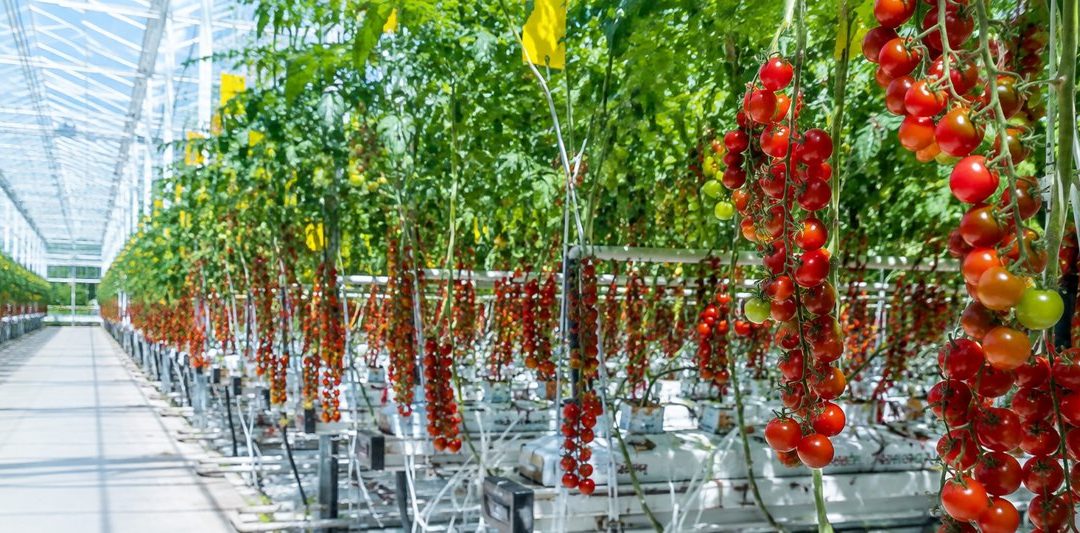
Each time you open the screen, a different image from the sector is displayed.
For each announcement, you will see the date, a title, a brief description, and a “Read more” link.
On smartphones, the login form appears at the top, with the updates displayed below it.
2. Navigation in the usage overview is fixed
Where: Crop Protection & Biocides › Usage Overview. Previously, navigating through the usage overview did not always work as expected; the “Next” button would sometimes fail to respond, and older records were inaccessible unless a filter was applied. This has been resolved: each page now correctly displays the subsequent records, and all entries are once again accessible.
3. Reports via a queue: get back to work faster
Where: Reports. GQ-data no longer generates the following reports directly within your browser; instead, they are processed via a queue:
Report Formats
Usage Report Excel, PDF
Inventory Report PDF
Active Substances Excel, PDF
Environmental Indicators Excel, PDF, Plant Protection Products (PPP) Excel, Fertilizers Excel
Once you request a report, you will immediately receive a notification that it has been added to the queue. You can continue working without interruption. Once a report is ready, you can download it via “Report downloads” (located in the top-right corner of the screen). This ensures that even large reports covering long periods can be processed without interruption. The content of the reports remains unchanged.
4. New: Export deliveries to Excel
Where: Deliveries screen for crop protection products & biocides / fertilizers / biological agents / other inputs. A new “Export to Excel” button has been added to the Deliveries overview. The export takes into account any filters you have applied, such as storage location, supplier, or time period.
Quantities, amounts, and remaining stock are exported as numerical values in Excel, allowing you to perform calculations directly. The unit of measurement is displayed in a separate column.
Once processed, the file can be found under “Report downloads.”
Questions or feedback?
If you have any questions regarding these changes or ideas for further improvements, please contact us at info@greenlinqdata.nl. Your input helps GreenlinQdata continue to develop the “GQ-data Cultivation Registration” (GQ-data Teeltregistratie) platform in collaboration with the sector. GreenlinQdata — sector infrastructure for registration, footprint, and sustainability data in greenhouse horticulture.